
Get GST e-invoicing right with Legal Startup. A dedicated expert checks whether e-invoicing applies to you, guides your onboarding to the Invoice Registration Portal, explains IRN and QR code requirements, and helps fix errors, cancellations and reconciliation.
Free call & custom quote · Fee shared before you pay anything
GST e-invoice is the reporting of B2B invoices, credit notes and debit notes by notified businesses to the government's Invoice Registration Portal, which returns an Invoice Reference Number (IRN) and a QR code that must appear on the invoice.
Last updated: October 2026. Turnover limits, time limits and portal procedures are set by the GST authorities and can change, so we confirm the current position before you proceed.
An e-invoice is not a new type of invoice or a PDF format. It is a way of authenticating invoices that you already create in your billing or accounting software. Each invoice is sent in a prescribed format to the Invoice Registration Portal, which checks it, assigns a unique IRN, signs it digitally and returns a QR code.
Once an invoice is registered, its details flow to the GST system and can populate your GSTR-1 and, where needed, the e-way bill. For businesses covered by the rule, an invoice without a valid IRN may be treated as not properly issued, which affects both the seller and the buyer.
For official information, visit the e-invoice portal (einvoice1.gst.gov.in) and the GST portal (gst.gov.in).
Know which documents need an IRN and which do not.
Supplies to registered businesses.
Adjustments to earlier invoices.
Specified outward supplies.
Where an IRN is not needed.
Not sure whether e-invoicing applies to you? Tell us your turnover and GSTINs and our experts will advise free of charge.
Beyond compliance, it improves the quality of your invoicing data.
Valid invoices avoid penalties for issuing invoices without IRN where required.
Registered invoices reach the buyer's GST data more reliably, reducing credit disputes.
Invoice data flows into GSTR-1, cutting manual entry and typing errors.
The portal can pass invoice data to the e-way bill system, saving repeated entry.
One validated record for each invoice reduces differences between seller and buyer data.
Standard fields and unique IRNs make audits and reconciliation simpler.
From applicability check to a valid invoice with IRN.
Setup time depends on your billing software and invoice volume. Not to scale.
We check aggregate turnover across your GSTINs under the same PAN, your category and any exemption.
We guide you on registering on the e-invoice portal and the API or tool options for your volume.
We explain the fields and format your billing or ERP software must support, so invoice data maps correctly.
Invoices are reported to the portal through the API, offline tool or bulk upload, and validated.
The signed invoice with IRN and QR code is printed or shared with the buyer.
We help you match IRN data with GSTR-1 and watch the reporting time limit.
Keep these ready to avoid delays. Our expert will confirm the exact list for your case.
The cost has separate parts, and we show them separately so there are no surprises:
Our fee depends on the number of GSTINs, the invoice volume and the support needed. Call free for a custom quote before you pay anything.
Billing software, ERP changes or API service providers may charge separately. These are independent of our fee and depend on your choice.
Error clean-up, reconciliation with GSTR-1 and notice replies are quoted only if you need them.
We share a clear, itemised quote before you begin. Get your free quote →
Choose the situation that matches your business, or call free for a custom quote.
Businesses crossing the limit or starting e-invoicing.
Regular e-invoice users with volume and reconciliation needs.
Missed IRN, wrong reporting, or a notice or penalty.
Our professional fee is quoted after a free call. Software and government charges, if any, are separate. We do not promise outcomes with the tax authorities. Not sure which option fits? Ask for a free consultation.
A quick view of three commonly confused documents.
| Document | What it is | Who needs it | Generated on | Key output |
|---|---|---|---|---|
| Regular GST invoice | Tax invoice from your billing software | Every registered supplier for taxable supplies | Your own system | Invoice number and tax details |
| E-invoice | Invoice registered with the government portal | Notified businesses above the turnover limit | Invoice Registration Portal | IRN and QR code |
| E-way bill | Document for moving goods | Movement of goods above the notified value | E-way bill portal | E-way bill number |
Most problems come from late reporting and wrong data.
E-invoicing is an ongoing process, not a one-time setup.
Retain signed invoices with IRN and QR code for audit and buyer queries.
Where the time limit applies, an invoice reported late cannot be accepted by the portal.
Check that auto-populated e-invoice data matches your books before filing the return.
Cancel an IRN within 24 hours if allowed, otherwise correct through credit notes or return amendments.
Monitor your aggregate turnover and any change in the e-invoicing limit or time rules.
Quick answers on GST e-invoicing in India.
GST e-invoice is a system where a notified business reports its business-to-business invoices, credit notes and debit notes to the government's Invoice Registration Portal. The portal validates them and returns an Invoice Reference Number and a QR code, which must appear on the invoice. It is not a new invoice format.
E-invoicing generally applies to registered persons whose aggregate turnover exceeded the notified limit in any financial year from 2017-18 onwards. The limit is currently Rs 5 crore. Turnover is counted across GSTINs under the same PAN, so we check your position before advising.
The Invoice Reference Number is a unique 64-character hash generated for each invoice by the Invoice Registration Portal. The portal also digitally signs the invoice and issues a QR code containing key details. Both must be shown on the invoice, otherwise it is not treated as a valid e-invoice.
Prepare the invoice data in the prescribed JSON format from your billing or ERP software, upload it to the Invoice Registration Portal through an API, offline tool or bulk upload, and receive the IRN, signed invoice and QR code. You then print or share the invoice with the QR code.
No. E-invoicing covers business-to-business supplies, exports and certain other documents, not ordinary sales to consumers. Businesses above a very high turnover limit have a separate requirement for a dynamic QR code on B2C invoices, so we check which rule applies to you.
Taxpayers with aggregate turnover of Rs 10 crore and above must generally report invoices to the portal within 30 days of the invoice date, and older invoices cannot be reported. The turnover limit and period can change by notification, so we confirm the current rule before you rely on it.
An IRN can generally be cancelled on the portal within 24 hours of generation, and an invoice cannot be edited once the IRN is generated. After 24 hours, corrections are made through credit notes, debit notes or amendments in your GST return, depending on the case.
An invoice without IRN where it is required is generally treated as not issued properly. This can attract penalty under Section 122 of the CGST Act, and the buyer may face difficulty in claiming input tax credit. It is safer to generate the e-invoice before supply.
No. An e-invoice does not replace the e-way bill, but the portal can pass invoice data to the e-way bill system so that Part A can be generated more easily. A separate e-way bill is still needed for movement of goods above the notified value.
Certain categories are exempt, such as SEZ units, insurers, banks and financial institutions, goods transport agencies, passenger transport and cinema services. Once e-invoicing becomes applicable to a business, it generally continues even if turnover later falls, so we check the notifications for your case.
Need help with GST e-invoicing? Speak to our GST expert today – the consultation and the quote are free.
Tell us what you need and our team will get back to you with the right guidance.
Legalstartup ke certificates, registrations aur recognitions jo hamari credibility dikhate hain.
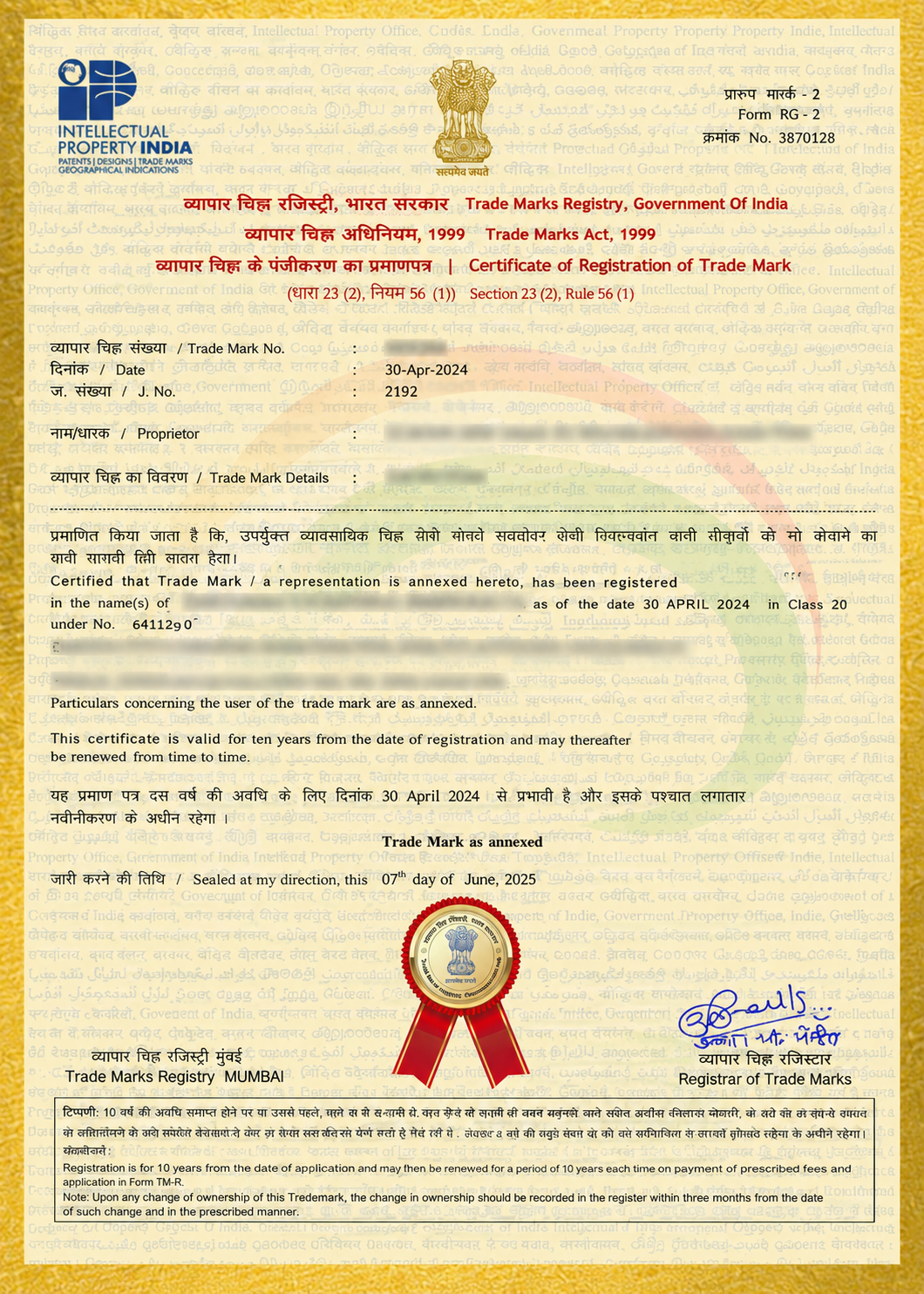
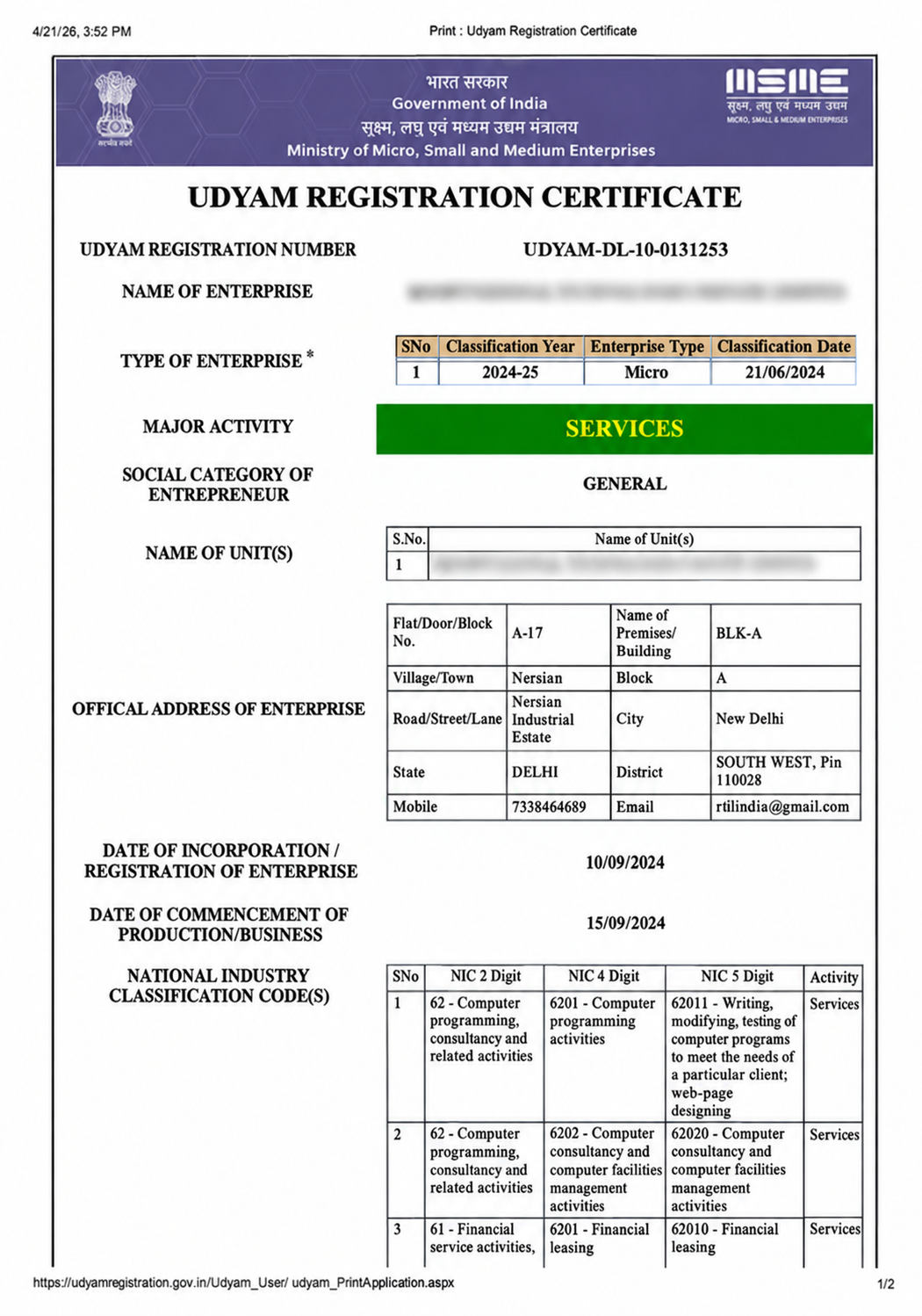

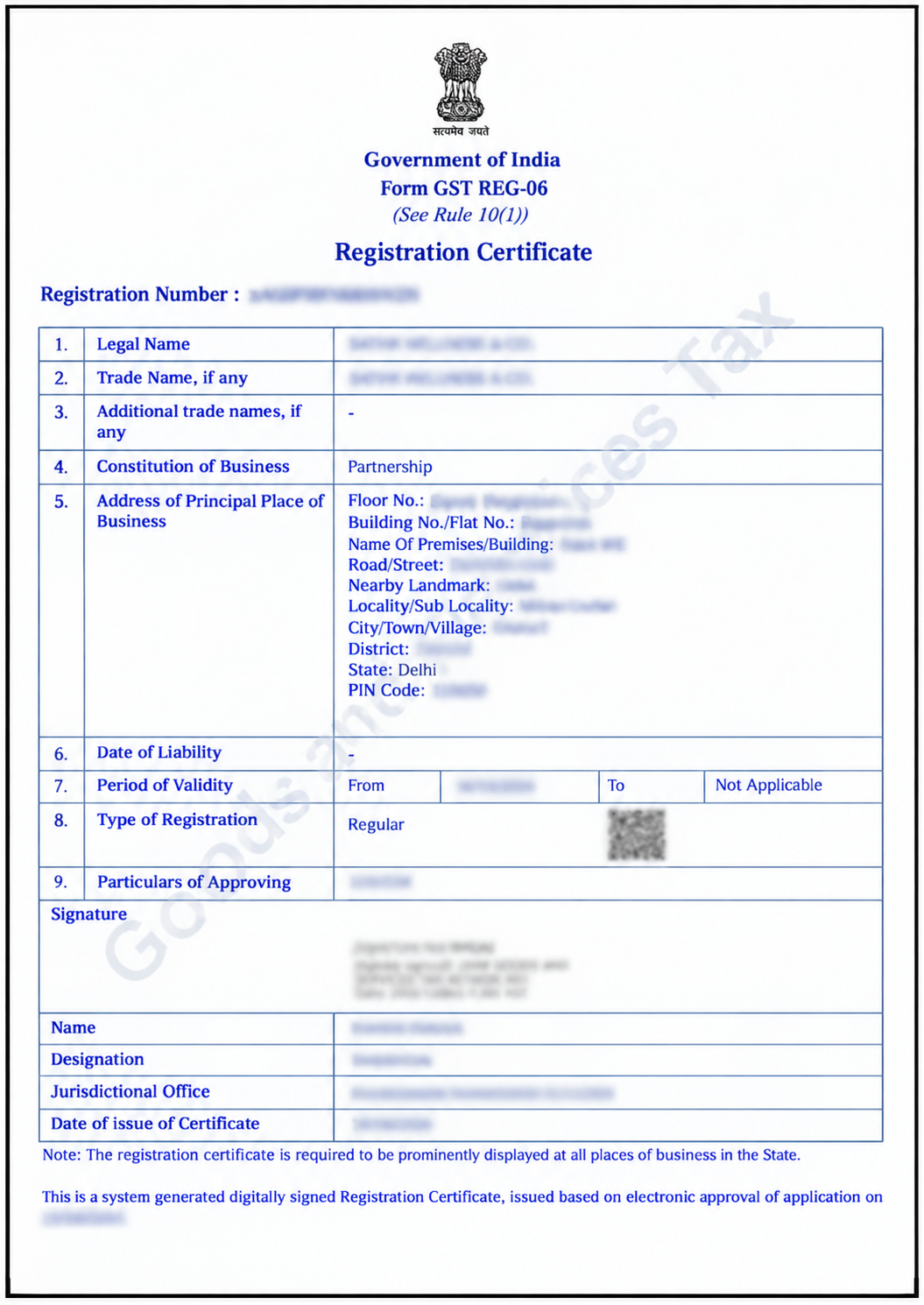
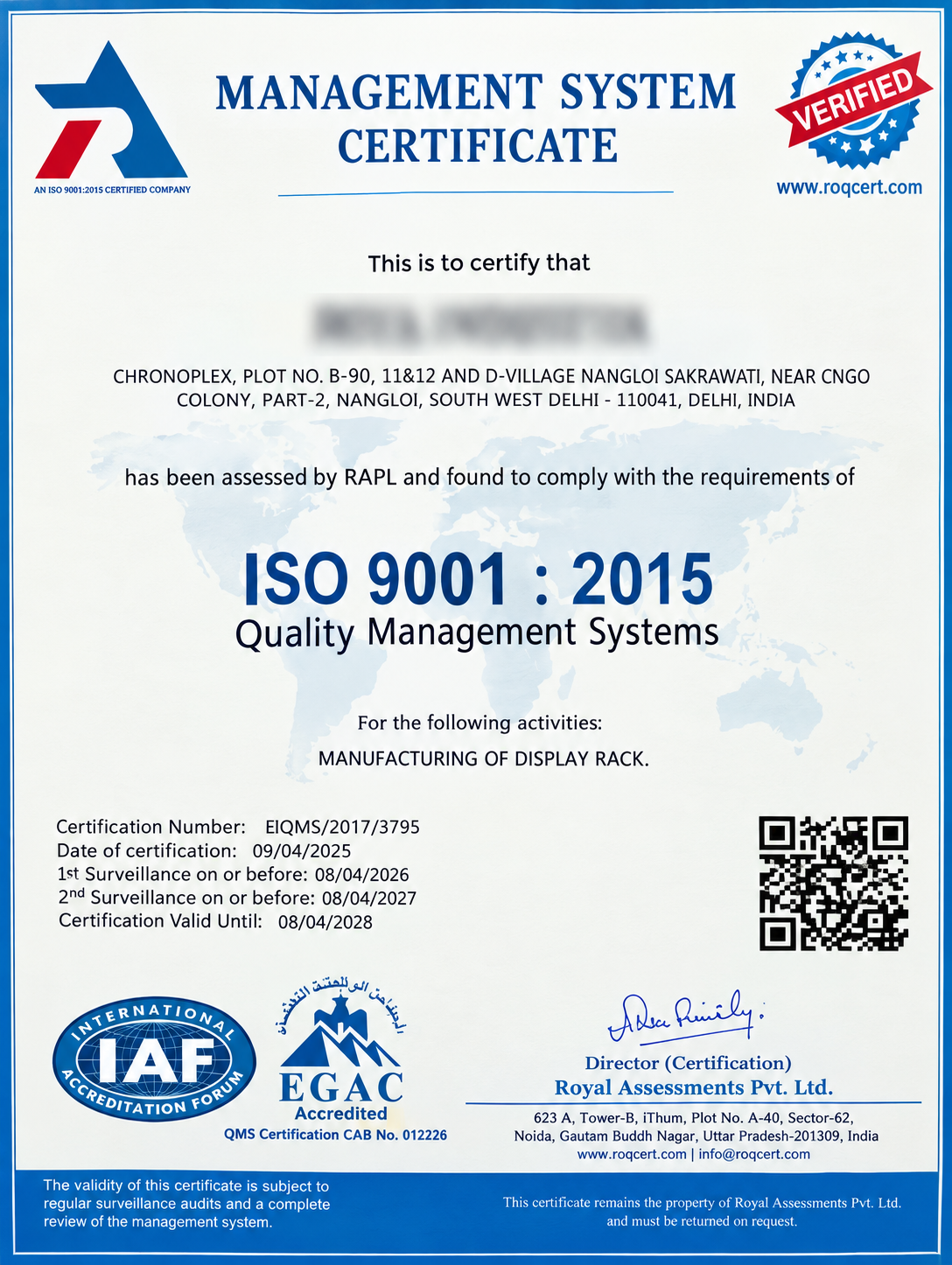
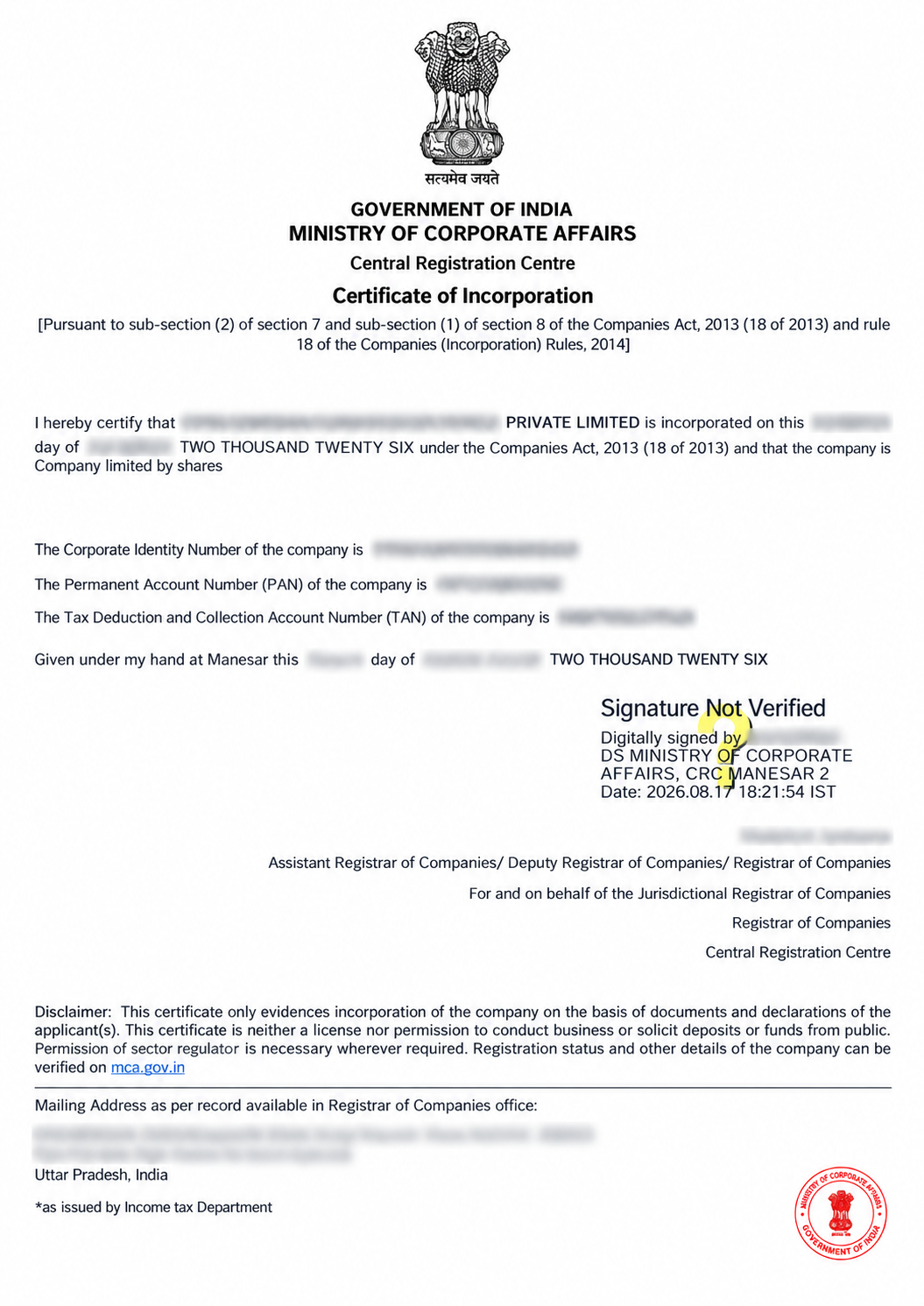
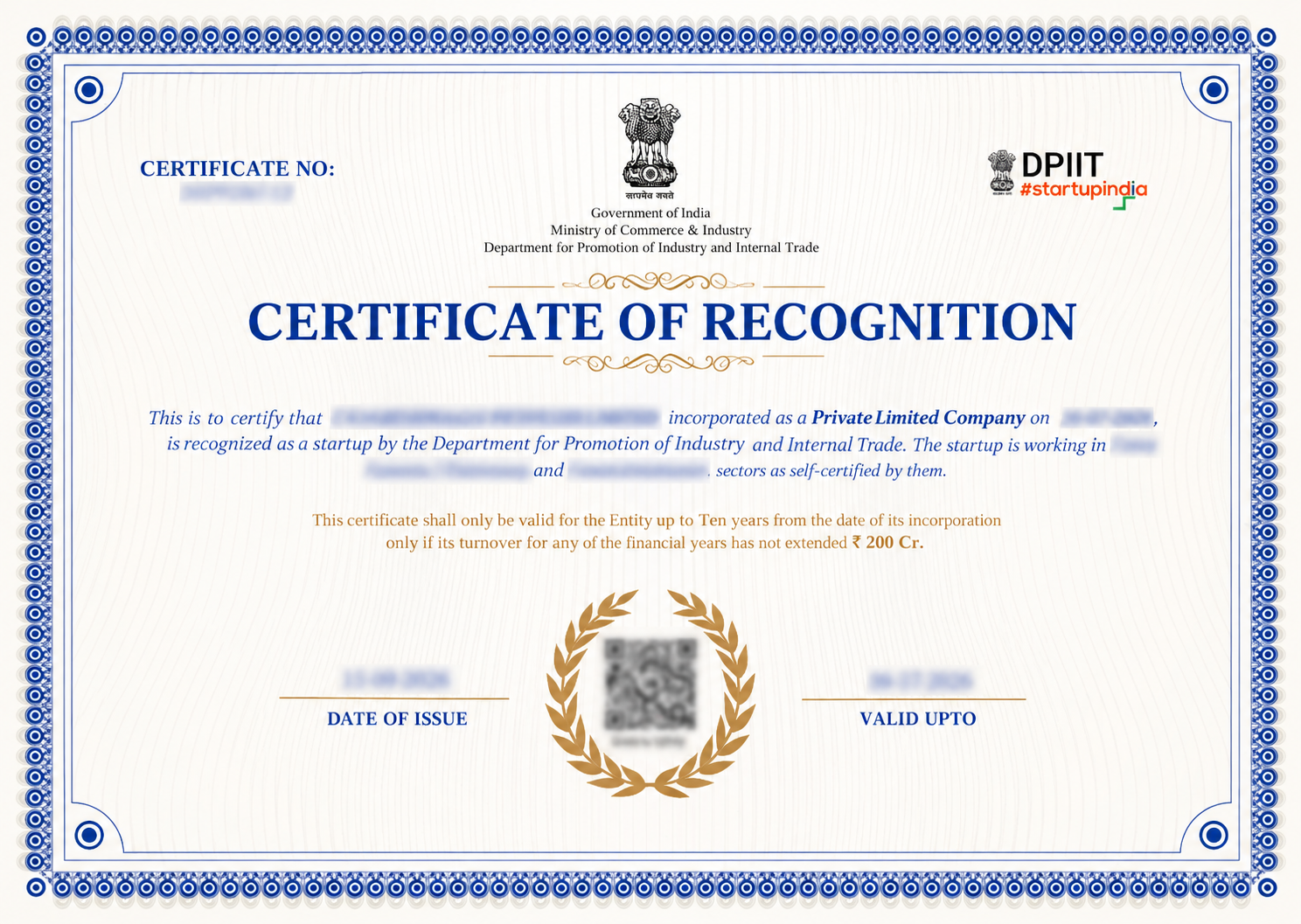
"Explore how Legalstartup has helped businesses reach new heights as their trusted partner."

Thousands of businesses and founders trust LegalStartup.