
Set up your ICEGATE account with Legal Startup. A dedicated export-import expert checks your IEC and documents, registers your account and digital signature on the Customs portal, and helps with AD code and port registration so you can file shipping bills and bills of entry.
Free call & custom quote · Professional fee + any DSC or other costs
ICEGATE registration means creating an account on the Indian Customs Electronic Gateway, the online portal of the Central Board of Indirect Taxes and Customs (CBIC), against your IEC. With it you can file Bills of Entry and Shipping Bills, pay duties online and register details such as your digital signature and bank AD code.
Last updated: October 2026. The portal's screens, requirements and procedures can change, so we confirm the current position before filing.
ICEGATE is the e-commerce portal run by CBIC that connects traders, Customs brokers, banks and other agencies with Indian Customs. It is used for electronic filing of Bills of Entry and Shipping Bills, online payment of Customs duties and tracking of documents.
To use it as an importer or exporter, you create an account linked to your Importer-Exporter Code (IEC). You then register your digital signature certificate, and exporters register the AD code issued by their bank at the customs ports they ship from. Many traders let a Customs broker file on their behalf, but their own ICEGATE registration is still needed for records, payments and AD code registration.
ICEGATE is different from the IEC, which the DGFT issues, and from the AD code, which your bank issues. For the official portal, visit icegate.gov.in, and see DGFT for the IEC. If you export under your own brand, see our trademark registration online service.
What every importer and exporter should know before registering.
The right route depends on your stage and what is already in place.
You have an IEC and have never registered on ICEGATE.
Your account exists but the digital signature is not registered.
You are exporting and need the bank code linked at a port.
You are starting from scratch and want to trade soon.
Registration is stuck, rejected or details do not match.
You ship from or clear at several ports.
Not sure where your registration stands? Share your IEC and bank details and our experts will check it free of charge.
Why importers and exporters set up their account early.
File Bills of Entry and Shipping Bills electronically.
Pay Customs duties online through authorised banks.
Link your bank code at the port so shipments and refunds match.
Check the status of filings without relying on others.
Your IEC, GST and bank details stay consistent with Customs.
Complete registration from anywhere in India.
From IEC check to an active account, here is how ICEGATE registration works.
Timelines depend on Customs verification and the accuracy of your details. Not to scale.
We confirm that your IEC is valid and that PAN, GST and address details match.
We register the importer or exporter account and verify the mobile number and email.
We guide you on the Class 3 DSC and its registration against the account.
Documents are uploaded where required and we follow up on the verification status.
For exporters, the AD code from the bank is registered at each customs port you use.
Once the account shows as active, you or your Customs broker can proceed with filings.
Keep these ready to avoid delays. The exact list is shown on the portal and can change, and our expert will confirm it for your case.
The total cost depends on how much you already have in place, for example whether you need an IEC, a digital signature certificate or port registrations. It generally has three parts:
We confirm whether any official charge applies at the time of filing, since procedures can change.
Our fee depends on the number of ports and the situation. Call free for a custom quote before you pay anything.
Digital signature certificate, IEC, AD code letter charges and correction work are charged separately.
We share a clear, itemised quote before you begin – no hidden charges. Get your free quote →
Choose the situation that matches your needs, or call free for a custom quote.
You have an IEC and need your account created and verified.
Your account needs the digital signature and port set-up.
Starting from scratch or fixing several registrations together.
Our professional fee is quoted after a free call. DSC and other costs are separate. Verification is done by Customs and cannot be guaranteed. Not sure which option fits? Ask for a free document check.
If you import or export goods, check whether your ICEGATE account is ready.
New IEC holders about to file their first shipping bill.
Businesses that file or track Bills of Entry and pay duties online.
Export-oriented units that want direct access to their records.
Sellers shipping to overseas customers by courier or cargo.
Fresh AD code and port registration may be needed.
Rejected, pending or mismatched ICEGATE details.
A quick view of how ICEGATE differs from the other registrations traders hear about.
| Item | Issued by | Purpose | Where it is used | Needed for ICEGATE |
|---|---|---|---|---|
| ICEGATE account | CBIC (Customs) | Online Customs filing and payment | ICEGATE portal | This is the account |
| IEC | DGFT | Right to import or export | DGFT and Customs | Yes, account is linked to it |
| Digital signature (DSC) | Licensed certifying authority | Sign and file documents online | ICEGATE filings | Generally yes |
| AD code | Authorised dealer bank | Links exports to your bank account | Registered at the customs port | Registered after the account is active |
Most delays come from mismatched details and missing signatures.
An active account is the start. Here is how to keep your trade records in order.
Keep your credentials and signature token safe and note the DSC expiry date.
Exporters should register the bank AD code at every port they ship from.
Keep IEC, GST, PAN and bank details consistent across filings.
Renew the digital signature in time so filings are not interrupted.
Quick answers on ICEGATE registration in India.
ICEGATE (Indian Customs Electronic Gateway) is the e-commerce portal of the Central Board of Indirect Taxes and Customs (CBIC). It is used to file Bills of Entry and Shipping Bills, make e-payment of duties, and access other Customs services online.
Importers and exporters who file Customs documents or track them online generally need an ICEGATE account against their IEC. Customs brokers, shipping lines and other trade participants register in their own categories.
Customs filings are made electronically, and an ICEGATE account is needed to file directly, make e-payments and register details such as the AD code. If a Customs broker files for you, they use their own credentials, but you still need your own records to be in order.
Open the ICEGATE portal, choose the importer or exporter registration, enter your IEC and business details, verify your mobile and email, complete the digital signature registration and then register at the required customs port. Customs verifies the details.
Typically the IEC, PAN, GST registration, business registration papers, a mobile number and email linked to the business, a Class 3 digital signature certificate and bank details or the AD code letter. The exact requirements are shown on the portal and can change.
Yes. An importer or exporter account on ICEGATE is linked to your Importer-Exporter Code (IEC), which is issued by the DGFT. If you do not have an IEC, obtain it first.
A digital signature certificate (DSC), usually Class 3, is generally required to sign and file Customs documents on ICEGATE. It must be registered against your account before you can use it.
The cost depends on whether you also need an IEC, a digital signature certificate and other registrations. Our professional fee is quoted after a free call, and we share an itemised quote before you pay.
IEC from the DGFT lets you import or export. ICEGATE is the Customs portal where you file documents and register details. The AD code comes from your bank and is registered at the customs port, usually through ICEGATE, to link exports to your bank account.
Register your digital signature, add the bank AD code for the ports you will use, and keep your IEC, GST and bank records consistent. Exporters of some products may also need additional registrations, depending on the product.
Ready to import or export? Speak to our expert today – the document check and the quote are free.
Tell us what you need and our team will get back to you with the right guidance.
Legalstartup ke certificates, registrations aur recognitions jo hamari credibility dikhate hain.
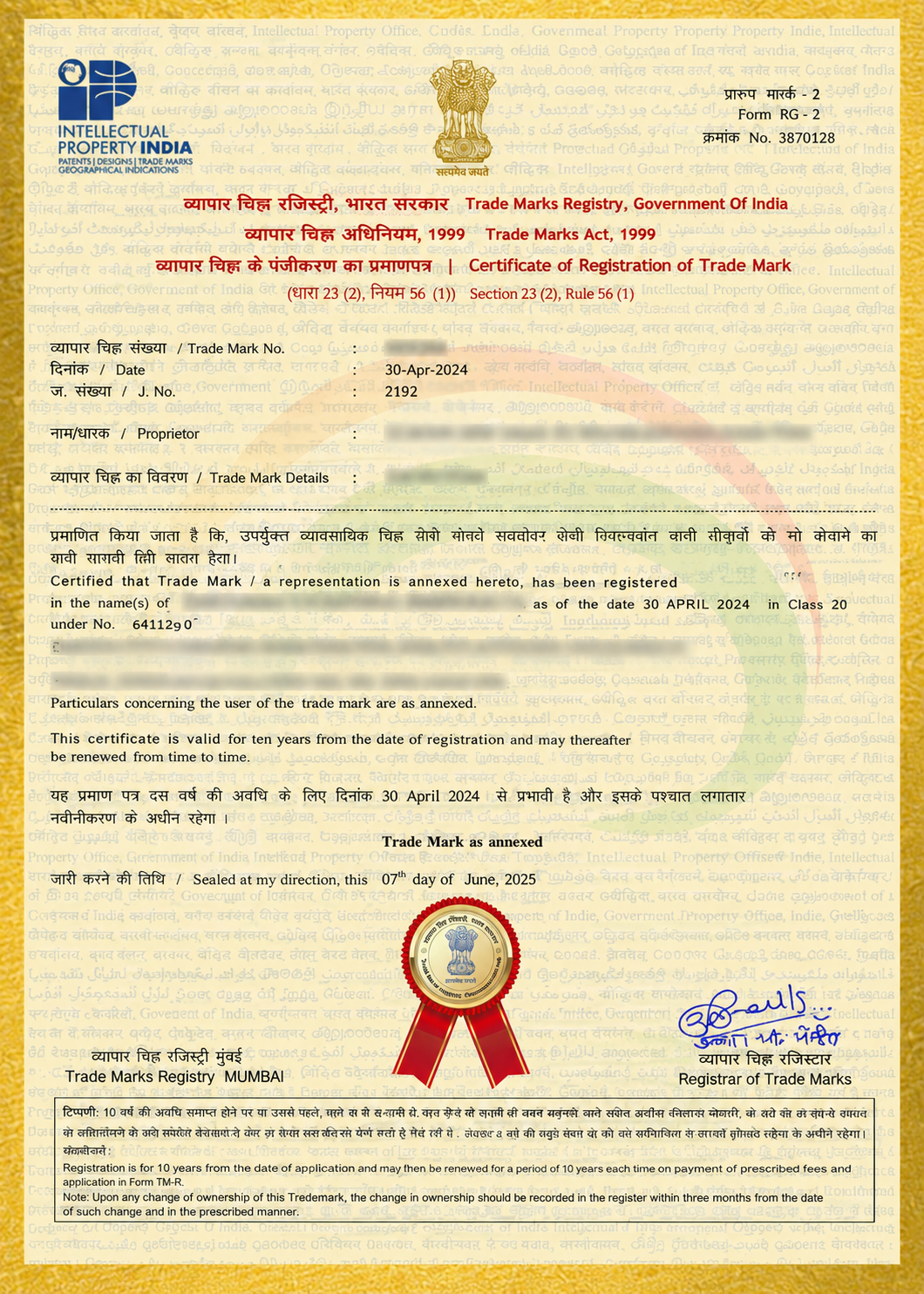
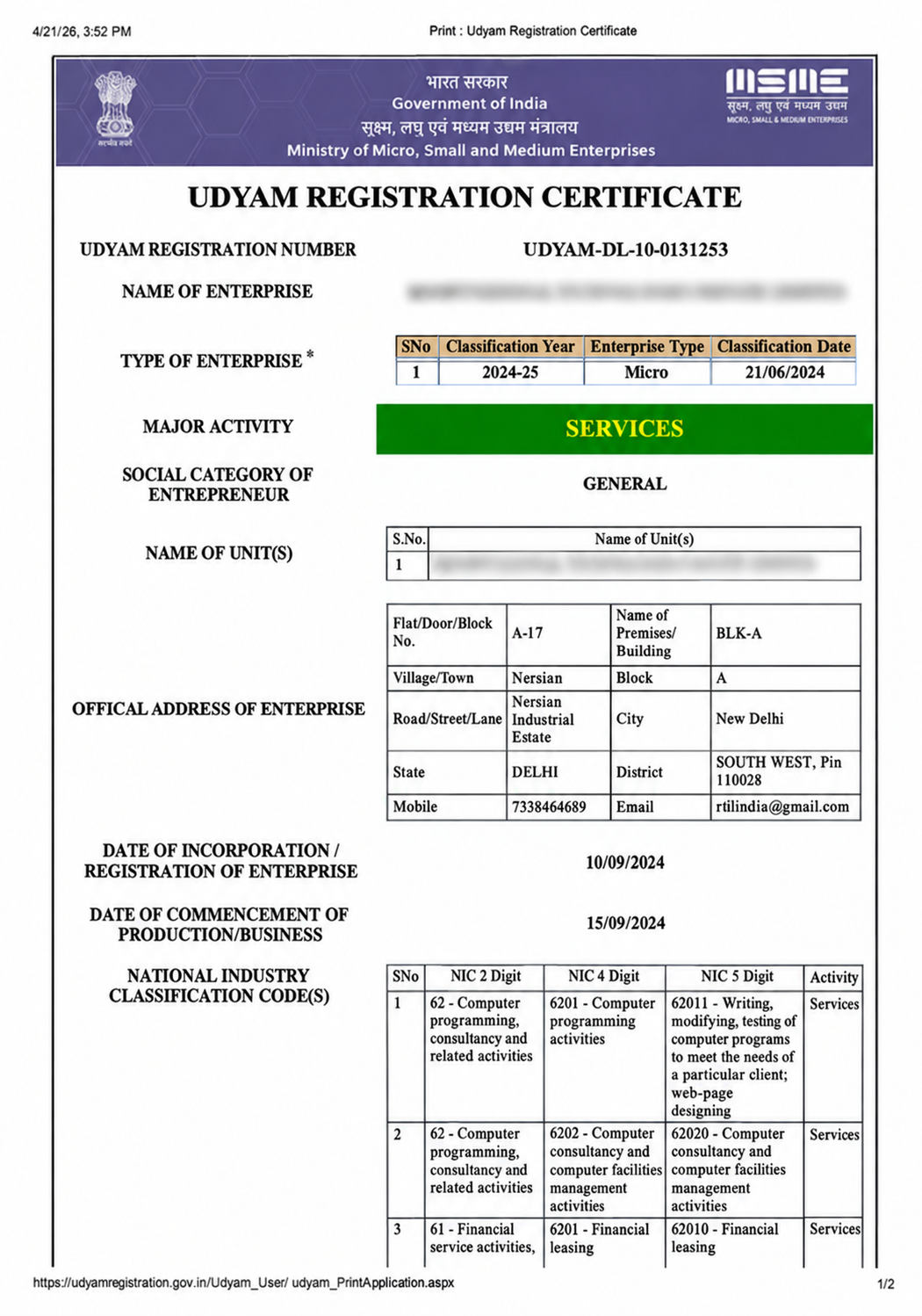
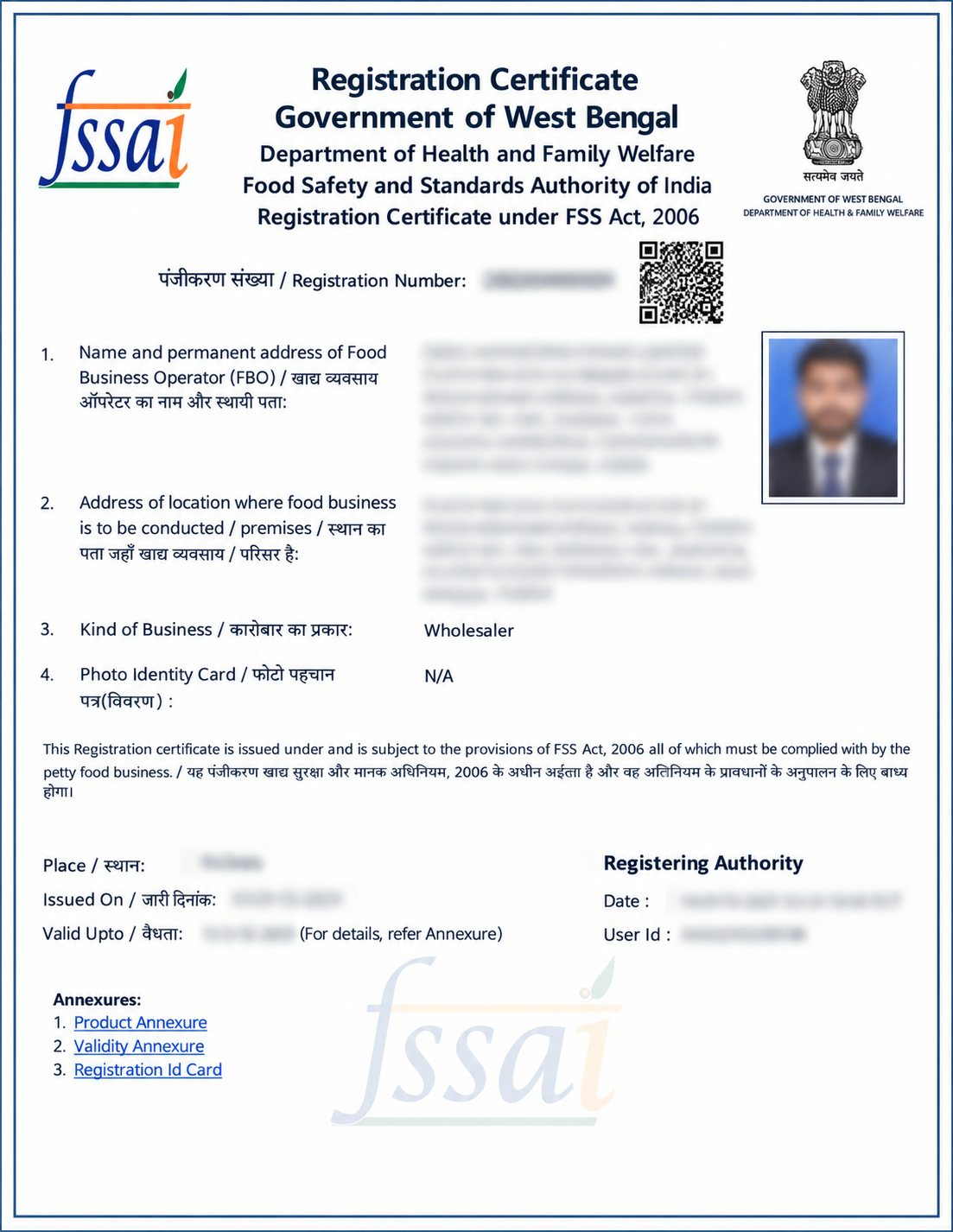
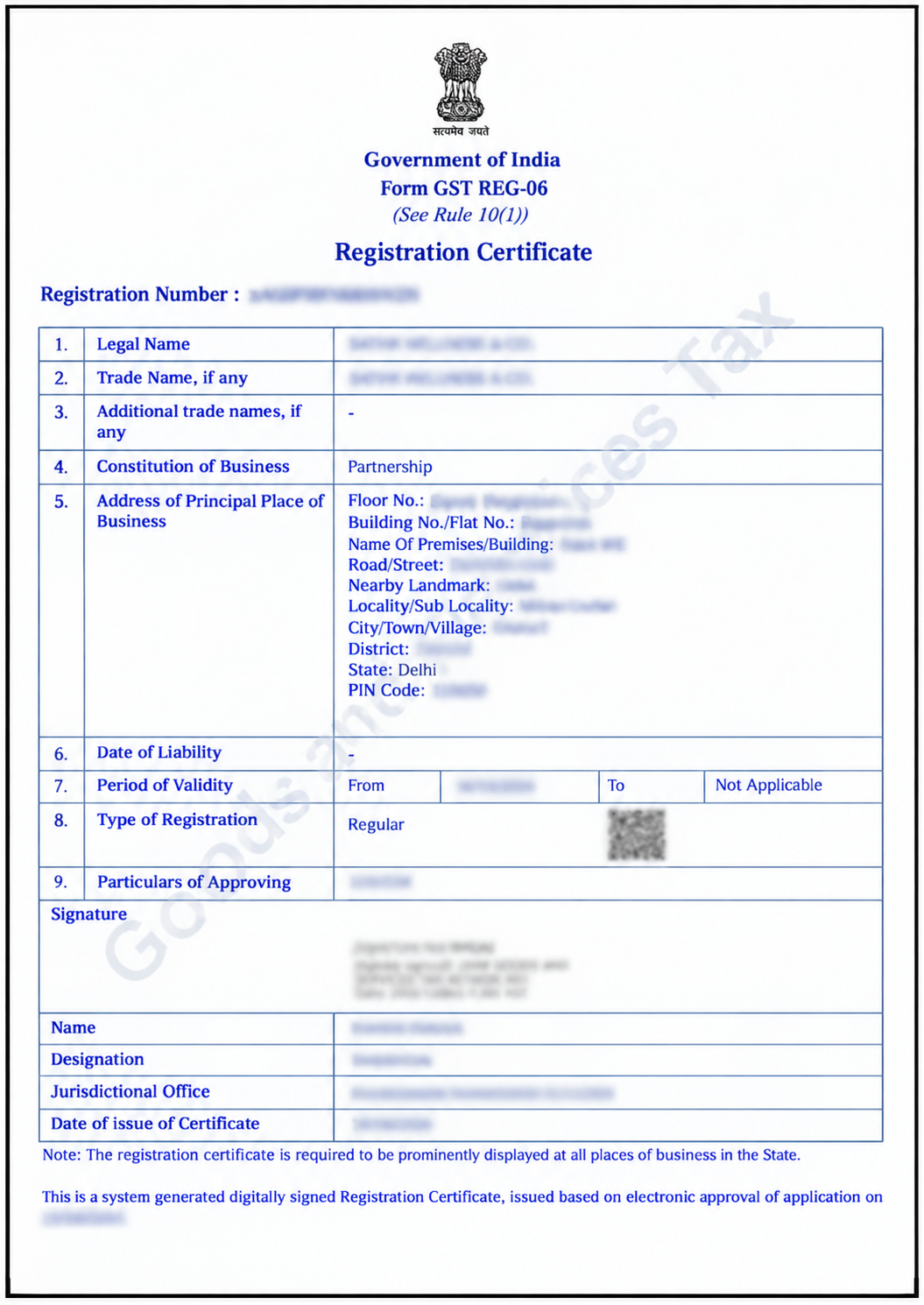
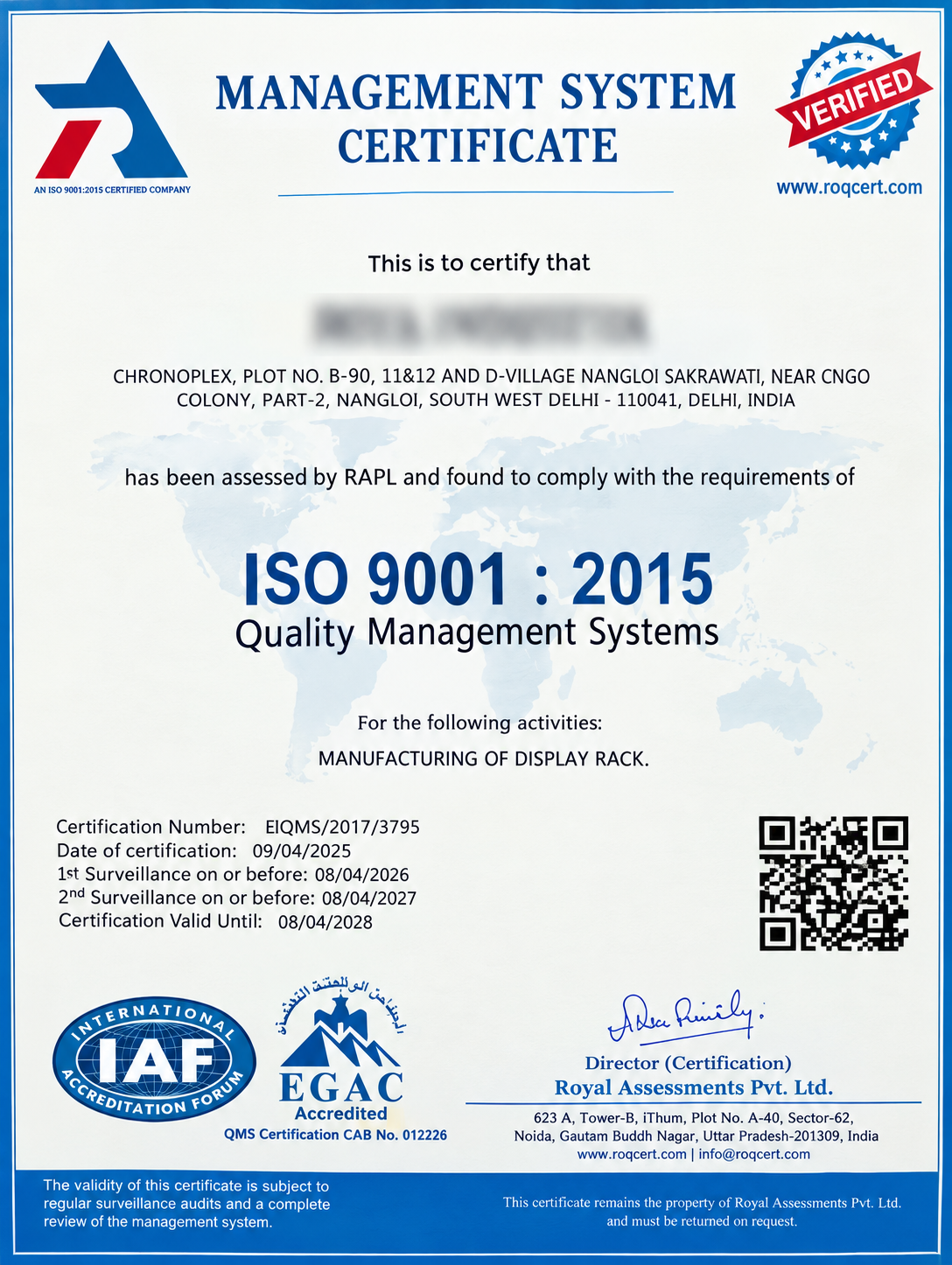
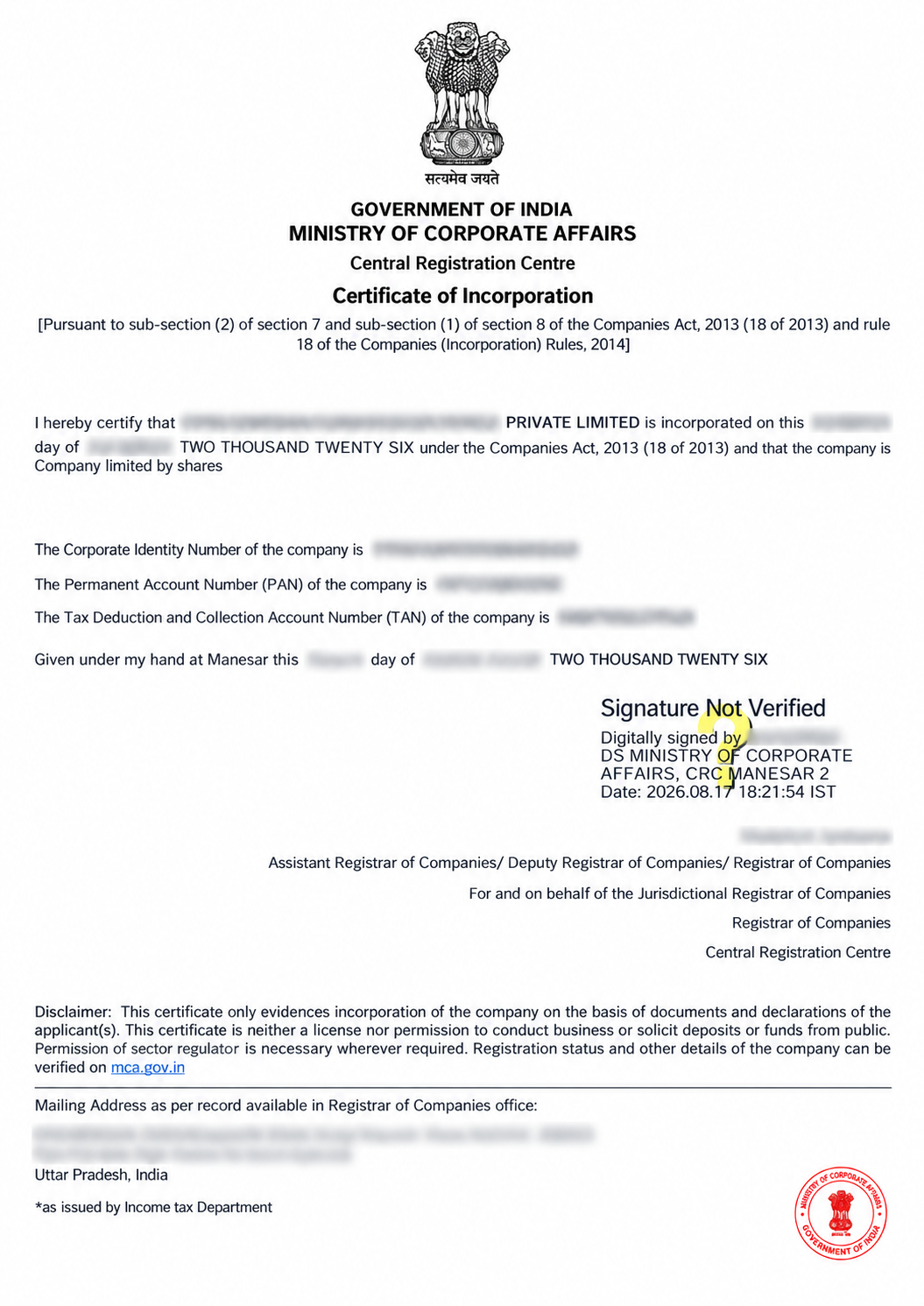
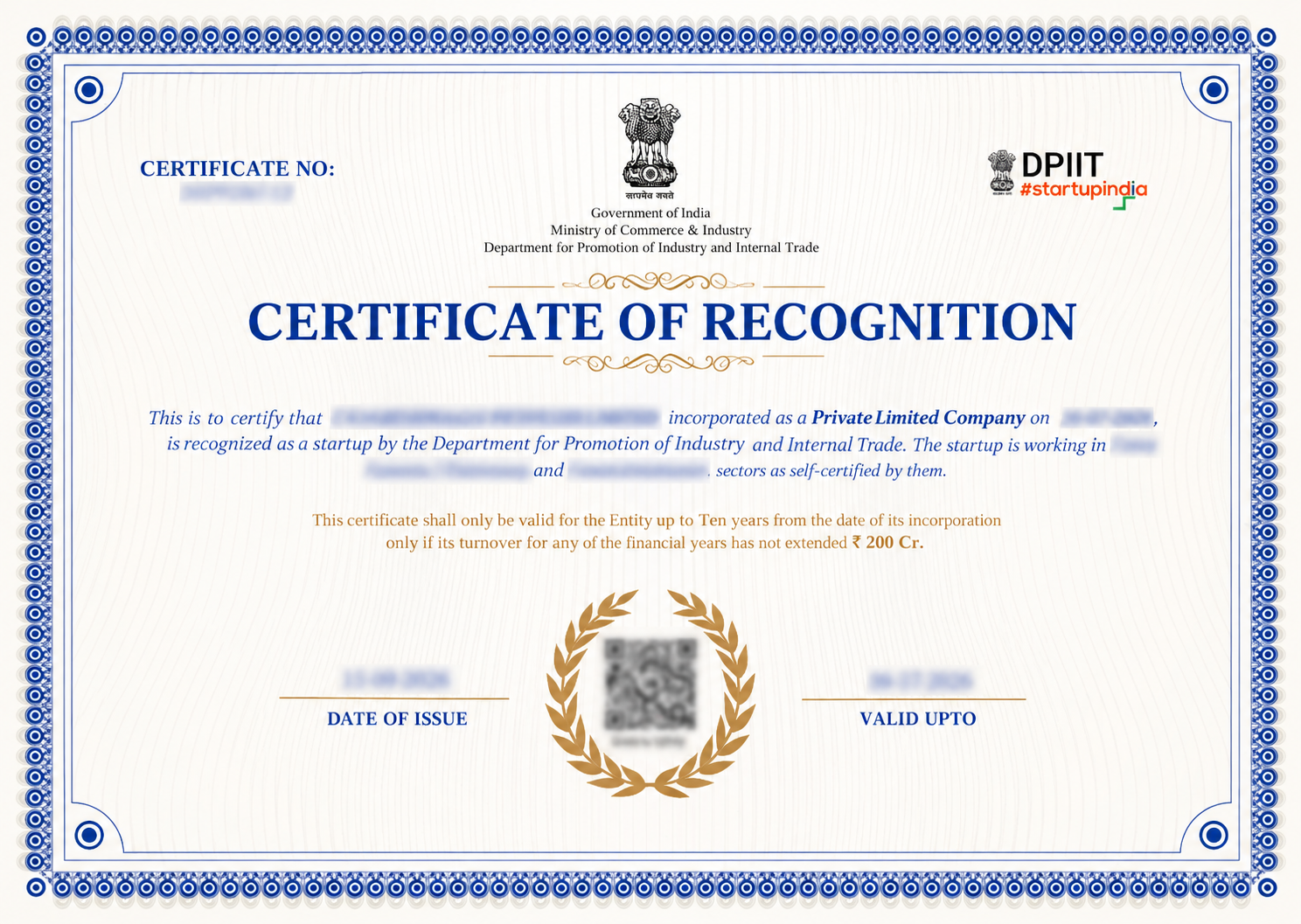
"Explore how Legalstartup has helped businesses reach new heights as their trusted partner."

Thousands of businesses and founders trust LegalStartup.